How I Built a 100 PageSpeed Website with a CMS Using Claude Code

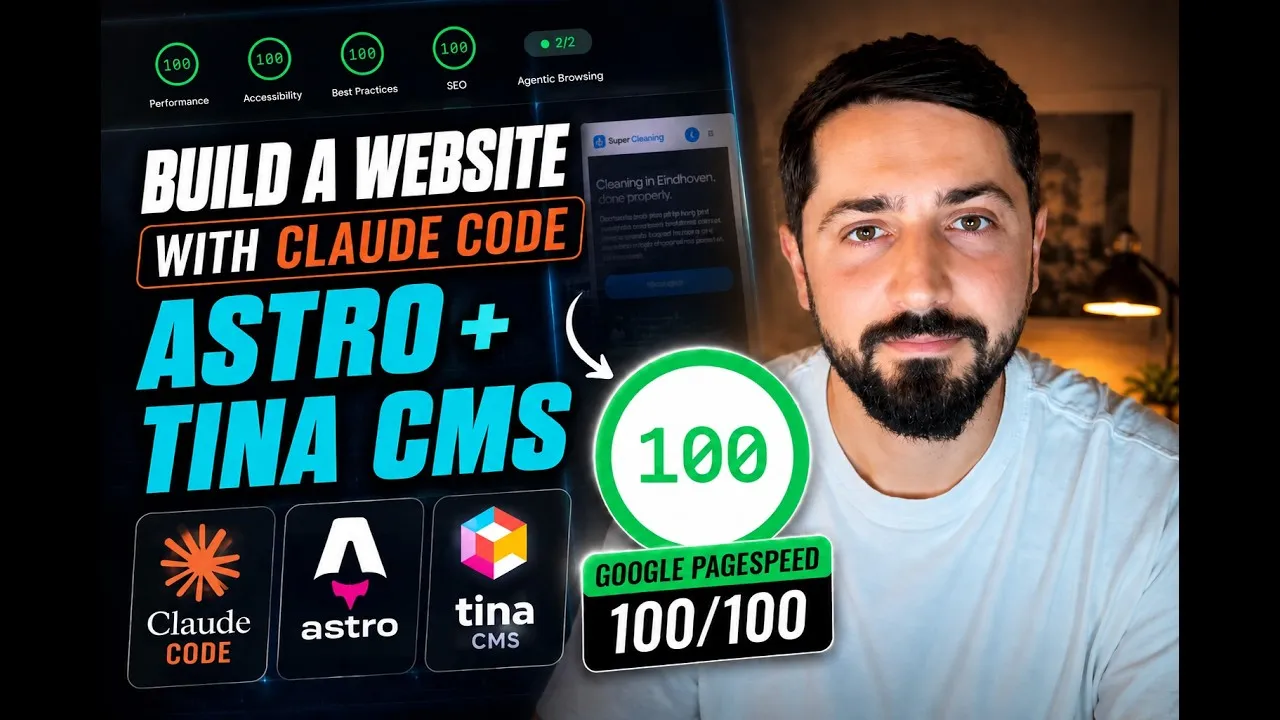
I built a complete website for a cleaning company that does not exist, in one sitting, with an AI agent doing the typing.
Home page, four service pages, a working contact form, a CMS, and 100 on Google PageSpeed Insights on mobile and on desktop. It is live here: super-cleaning.netlify.app.
The part worth copying is not that a model wrote HTML. The site came out on brand on the first pass because I handed the agent two documents before it wrote a line of code: a PRD I dictated, and a DESIGN.md I extracted from a template I liked. Remove those two files and you get the default AI website: purple gradients in 2022, beige rounded cards today.
Here is the whole workflow.
Why Astro, and the 86 wall
I spent years in Webflow and Wix. Both are good at what they do, and both ship a lot of JavaScript. On mobile I never got past 86 or 88 on PageSpeed, and the speed index sat around 3 seconds no matter what I did. On desktop you can reach 100. On mobile, not with that much script on the page.
Astro builds static HTML and only ships JavaScript where a component actually needs it. The cleaning site is text, images, a form and a CMS. Nothing on it needs to be a single page app. That is why 100 is reachable on mobile, and why I do not think it is reachable on the low-code builders.
One caveat: PageSpeed is not consistent. I ran it several times before it settled at 100. If you get 98 on one run, run it again before you change anything.
Step 1: write the PRD out loud
I made a folder called super-cleaning, opened Google Antigravity (an IDE with Claude Code inside, Cursor works the same way), and dictated the brief instead of typing it.
The structure I asked for, roughly word for word:
- A hero with a background image, an H1 and a call button, and the same call button in the navbar
- Google review stars visible in the hero
- A services section: regular cleaning, window cleaning, move-out cleaning, Airbnb cleaning
- Three trust cards right after the hero
- An image with text next to it
- A section with proof numbers
- How it works in three steps: you contact us, we fix a date, we clean
- Reviews
- A colored banner with a short line of text and an image
- A footer
- And one page per service, using the same design
Then the important line: stop here, do not design anything yet, the DESIGN.md is coming.
That last instruction is what kept it from inventing a look before I gave it one.
Step 2: pick the images before the build
I went to Pexels, which is free and has professional stock. I downloaded a set and told the agent to use the landscape ones for the hero so nothing gets cropped badly.
Real photos of the actual business beat stock every time. For a sample site, stock is fine, and it is what makes the difference between a page that looks like a demo and a page that looks like a business.
Step 3: the DESIGN.md is the whole trick
I took a Framer template I liked, ran it through Design Extractor, and got a DESIGN.md: colors, type scale, spacing, the rules the design follows. The site gives you three free extractions.
Without that file, an agent invents a design, and invented designs cluster. Same fonts, same gradients, same spacing. With the file, the first build already looks deliberate. If you take one thing from this article, take this one.
Step 4: one prompt with three inputs
The second prompt had everything the agent needed:
I uploaded DESIGN.md, adopt it for Super Cleaning, a professional cleaning service, English, use a sample phone number. For reviews use 5 star Google, we connect the profile later. I also added a folder of images, use the landscape ones for the hero. Build the first version and run it locally. TinaCMS comes next.
PRD, design system, assets, and a clear stopping point. Then I left it alone.
Step 5: dictate, do not type
I use FluidVoice, which runs locally and is free. It uses two models: one turns speech into text, the second rewrites that text into something cleaner. That extra step is why the prompt reads like a spec instead of a transcript of me thinking out loud, and it is worth the two seconds it costs.
Step 6: let it build and stay out of the way
The agent made a to-do list, read the DESIGN.md, built the pages, and checked the responsive rendering with screenshots. About 25 minutes for the first pass, closer to 55 by the time everything was in. I queued the Impeccable skill while it worked so it would run a UI quality pass on its own output.
The hardest part of this whole build was not getting distracted during those 55 minutes. The second hardest was not interrupting with “while you are in there, also…”. Both make it slower.
Step 7: the first reveal, and what needed fixing
It was close. The fixes were small and specific:
- Spacing was off at the top of the three-card section. I sent a screenshot and said what was wrong, and it fixed exactly that.
- No contact form. It had not built one because it did not know where the email should go. Fair. I gave it the address and asked for a contact page plus the form on the home page.
- One image was compressed too aggressively.
- Icons. I did not like the set it chose, so I sent a screenshot and the link to Phosphor Icons and asked it to swap them across the project.
- It wrote exactly one em dash. I do not use them, so that went too.
Total: four rounds of small corrections, not a redesign.
Step 8: TinaCMS, with an explicit publish button
The brief for the CMS was one paragraph:
Everything on the website should be editable: every block, the footer, the navbar, and the meta title and description of each page. Changes save locally, and a publish button pushes to Netlify only when I press it.
That last requirement matters if you are on a free Netlify plan. Netlify counts builds, and a CMS that deploys on every save will eat them. I also made the repo private for the same reason. Edit freely, publish on purpose.
TinaCMS is the most visual of the Git-based CMS options. It will not give you Webflow levels of control, but it gives an editor real fields, real previews and a real publish button.
Step 9: GitHub and Netlify
The agent pushed the repo to GitHub and connected it to Netlify. Then I linked that repo to Tina. The chain after that is: edit in Tina, commit to GitHub, Netlify rebuilds, the site updates.
Step 10: run PageSpeed early and read what it says
Desktop was 100 on the first run. Mobile was not, and the report told me why in two lines:
- SEO: the page was blocked with
X-Robots-Tag: noindex, nofollow. A leftover from the scaffold. Fixed in one change. - Accessibility: a contrast failure on the line about calling for a fixed price, on mobile.
Both are fast fixes. Performance is the one that is genuinely hard to fix after the fact, and it was already fine because the site is static. That is the order I would test in: performance first, because it is a structural decision, then SEO and accessibility, because they are usually a handful of attributes.
Step 11: TinaCloud is the part the agent cannot do for you
Tina on the live site needed a real TinaCloud project: create it, connect GitHub, give it access to that one repository, then copy the client ID and the read-only token into Netlify as environment variables.
The agent told me plainly that it could not do this step and walked me through it instead. That is the correct behaviour, and it is the kind of thing worth expecting: accounts, tokens and permissions stay with the human.
Step 12: the bug worth reading about
Editing text in Tina on the live site and pressing publish showed nothing to publish. The publisher was only looking at local file changes, so remote edits never appeared as a diff.
I switched to Cursor for this one and gave it all three open issues at once. The fix landed: Tina now has a dashboard that shows exactly what is waiting to publish, with a first publish and a publish now button.
I switched tools mid-build because Antigravity had gotten slow, not because it had failed. Switching is fine. Waiting an hour for a slow agent is not.
The result
- super-cleaning.netlify.app is live
- 100 on PageSpeed, mobile and desktop
- Four service pages plus home and contact, all editable in the CMS
- A contact form that sends real email
- Total hands-on time: one afternoon
It is a sample, not a client job, and it is in my work list. The next episode takes the same site and adds the agents to it: something that answers an enquiry when it comes in, by chat and by voice, so the whole flow runs without me.
What to copy, even if you never open Astro
- Write the PRD first. Dictate it if typing slows you down. What sections, what order, what is on each one.
- Get a design system before the build. A DESIGN.md from a template you like costs you nothing and removes the generic look entirely.
- Keep the stack boring. Files in Git, a static host, a CMS that writes files. Every part of it is replaceable, and none of it charges you monthly.
- Make publishing explicit. Save locally, publish on purpose. It keeps your build minutes and your mistakes private.
- Run PageSpeed early and read the report. Performance is structural, SEO and accessibility are usually a few attributes.
Tools in this build
- Astro for the site
- TinaCMS for the CMS
- Netlify for hosting, GitHub for the repo
- Pexels for stock images
- Design Extractor for the DESIGN.md
- Impeccable for the UI review pass
- FluidVoice for local dictation
- Google Antigravity and Cursor as the agent IDEs
Chapters
- 00:00 Overview and website architecture
- 01:06 Finished website and PageSpeed result
- 03:02 Starting the build
- 03:19 Creating the project and PRD
- 05:48 Choosing stock images
- 06:35 Creating the DESIGN.md file
- 07:49 Preparing the files and prompting Claude
- 08:45 Using FluidVoice for local dictation
- 09:20 AI website build and Impeccable review
- 10:54 First website reveal
- 12:21 Checking responsiveness and layout
- 12:55 Adding the contact form
- 13:54 Replacing the icons
- 15:10 Adding TinaCMS
- 17:27 Connecting GitHub and Netlify
- 18:32 Testing the publishing workflow
- 19:35 PageSpeed, SEO and accessibility tests
- 21:42 Configuring TinaCloud
- 23:40 Debugging the publishing issue with Cursor
- 25:04 Successful publish and final result