
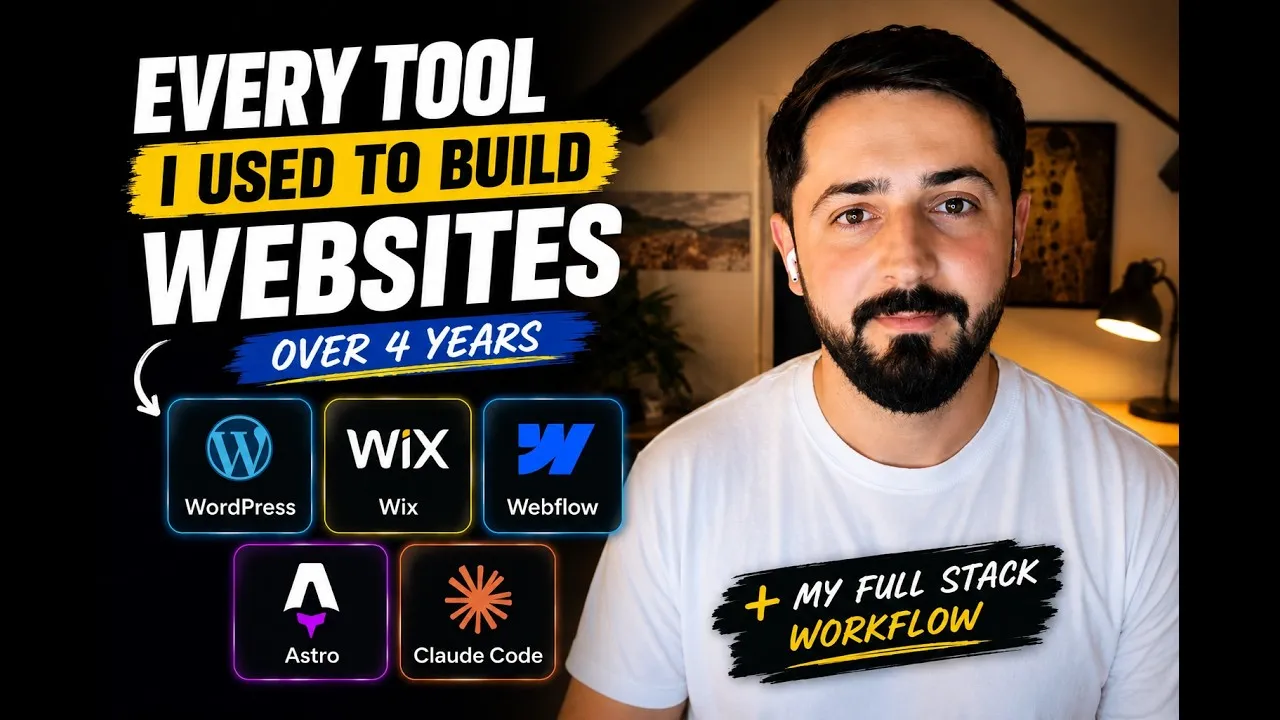
Four years ago, I built my first website with WordPress. Today I mostly build with AI and custom code.
My main requirement was building faster without limiting the design. When visual builders hit a wall, you either compromise on the design or pay recurring fees for workarounds. AI coding agents flipped that trade-off by letting me write custom code directly.
WordPress worked until design and maintenance got in the way
I started four years ago by following tutorials to build a WordPress site for a friend. At the time, WordPress was the most famous tool available. The ecosystem had tutorials, plugins, and resources for almost anything.
The trouble started when I tried to follow design requirements. My designer colleagues prepared designs, and I struggled to reproduce them in WordPress. Because I was building websites on the side, I did not have the time needed to master the platform.
The second issue was upkeep. Managing plugins and routine maintenance turned into a hassle. If you neglect maintenance, you risk running into security issues. WordPress can do a lot, but you have to master it, and I did not have the time for that.
Wix and Squarespace were fast to set up but hit the same ceiling
So I started moving more towards website builders. I used Wix and Squarespace briefly for clients who already had their sites running on those platforms.
Both tools were easy to set up and simple to use. They felt quite similar to each other.
The problem was that I still could not match detailed design requirements. Advanced animations were out of reach. For basic sites they worked fine, but I ran into the same walls I hit on WordPress. If you master WordPress, you can build animations with it, but I had not mastered it, and Wix and Squarespace did not give me that control either.
Webflow solved design flexibility, but client costs added up
Framer was very easy to use, but for most of the last four years, Webflow was my primary tool.
Webflow gave me actual control over layouts and animations. Tutorials and learning materials were widely available, and I felt I could build basically any design.
For clients with strict budgets, an agency plan let me build the site inside Webflow, export the code, and host it somewhere else. I could not offer them a hosted Webflow plan, but I could build the site and host it somewhere else.
The cost became an issue when clients needed native Webflow features. Beyond the project fee, clients had to pay for ongoing Webflow hosting plans. One client needed a CMS and localization in two languages, which ran around 500 euros per year. For small businesses, that is a serious recurring cost.
Exporting code introduced another roadblock: exported Webflow forms do not work. To keep hosting costs down for my clients, I worked around the broken forms by embedding Tally. I enjoyed using Webflow, and I still maintain sites there for existing clients, but I stopped using it for new builds.
GoHighLevel bundled features but kept the same design limits
I tested GoHighLevel for a short period. The platform is heavily integrated. It combines a CRM, calendars, AI agents, and a website builder into one dashboard.
For an agency, the business model looks appealing: 297 per month gives you unlimited subaccounts.
When it came to building pages, though, the design experience felt like Wix and Squarespace. Standard layouts were straightforward, but anything custom required awkward workarounds that were hard to manage.
Browser-based AI builders made prototyping instant
I think it was in 2024 when Bolt.new came out. I used it to generate rapid prototypes, and the output was quite good. I used Lovable and Replit right after that.
They are ideal for beginners who want to create a prototype. They come with integrated databases, allow direct hosting, and let you export the code when you are done. For a beginner or anyone needing a quick prototype, they move very fast.
AI coding agents shifted my workflow to custom code and a headless CMS
As AI coding agents like Claude Code and Cursor improved, I started using them for small website edits. Soon, those small edits turned into building full client websites with custom code, a CMS, and AI.
I now ask Claude Code to build the website and integrate the CMS.
Astro site + headless CMS (Sanity / Keystatic / TinaCMS)
          │
          ▼
Coding Agent (Claude Code / Cursor)
          │
          ▼
Flexible Hosting (Netlify or VPS)
This workflow gives clients a clear interface to update their content, but strips out the overhead of visual site builders:
- Hosting control: I can deploy the site to Netlify, where the hosting cost could potentially be zero. I also run a private VPS with low overhead where I can host multiple clients together.
- No dependency on one company: The project is standard code. It does not matter whether I use Claude Code or Cursor, and any other developer can open the project and modify it.
- **Budget flexibility. One client needed a CMS and localization in two languages, and the Webflow hosting plan for that came to around 500 euros a year. ** Small business clients do not get stuck paying hundreds of euros every year just to keep a CMS and localized pages online.
I spent years looking for a tool that let me build quickly without compromising on the design. If I know and understand what I want to build, I only need to explain it, and AI can usually build it.
The stack I build with today
For any new build starting from scratch, I use:
- Astro for the website code
- Sanity, Keystatic, or TinaCMS for the client editing interface
- Claude Code or Cursor as the AI coding agent
What to copy, even if you never touch these builders
- Avoid locking clients into expensive platform tiers. If a client only needs basic content updates, evaluate whether a headless CMS with static hosting keeps their yearly hosting bill low.
- Do not let builder constraints dictate client designs. If a visual builder requires complex hacks to pull off a basic layout or animation, working directly in code with an agent is often faster.
- Keep your output portable. When you build with standard code instead of proprietary builder components, you are free to switch editors, hosts, and AI agents whenever you want.
Tools mentioned
- WordPress
- Wix
- Squarespace
- Webflow
- Framer
- GoHighLevel
- Bolt.new
- Lovable
- Replit
- Claude Code
- Cursor
- Astro
- Sanity
- Keystatic
- TinaCMS
Video chapters
- 00:00 Introduction
- 00:22 WordPress
- 01:41 Wix and Squarespace
- 02:19 Framer and Webflow
- 04:20 GoHighLevel
- 05:02 Bolt.new, Lovable and Replit
- 05:38 Claude Code, Cursor and custom code
- 06:56 What I learned
- 07:23 My current website stack