
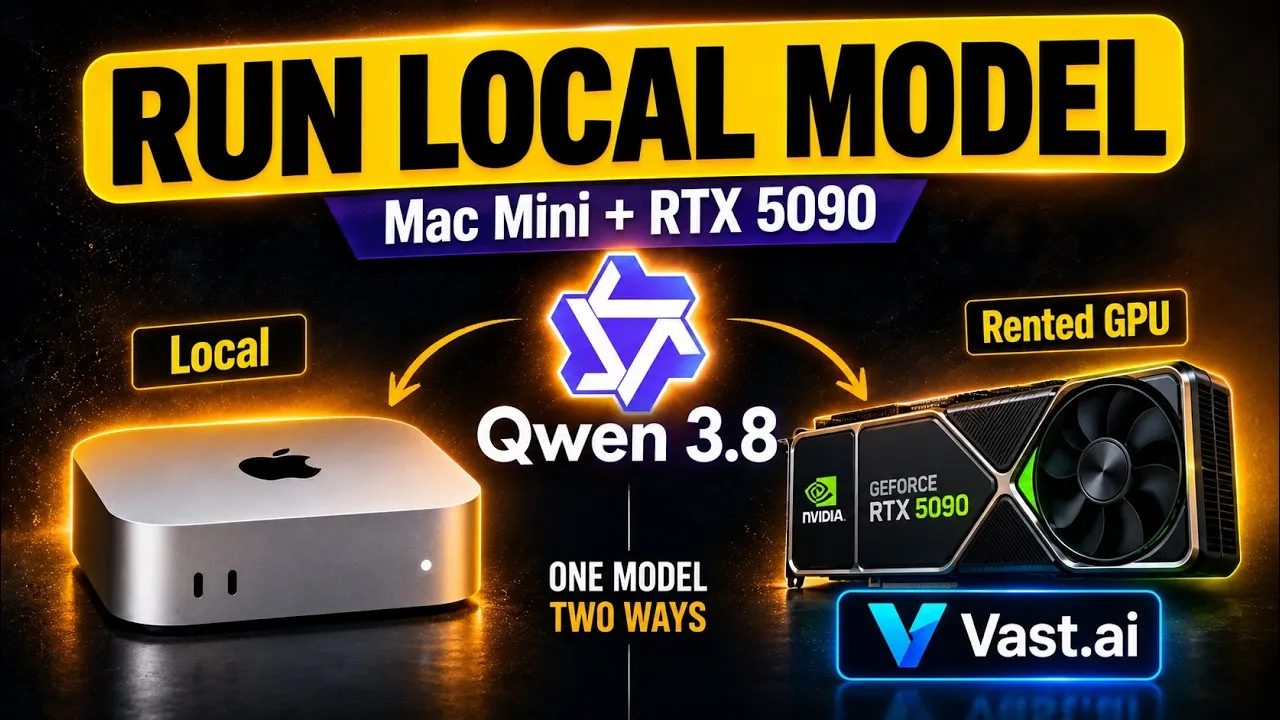
I wanted to see if I could run useful coding models on a Mac with 16GB of unified memory. When the local setup hit hardware limits, I rented an RTX 5090 through Vast.ai to compare the speed and results.
The one insight worth copying is setting an explicit token ceiling directly inside your prompt when running open models. These setups often have hard context limits like 8,000 tokens. If you do not tell the model to finish before that boundary, it will spend thousands of tokens reasoning and crash before it delivers functioning code.
LM Studio and filtering on Hugging Face
To run models locally on my computer, I installed LM Studio from lmstudio.ai. I had tried Ollama before, but in my experience LM Studio worked with more models.
Finding the right model file on Hugging Face can be confusing because you get hundreds of options without knowing what fits your machine. I logged in, opened my account settings, and added my hardware as Apple Silicon. That lets you filter models on Hugging Face directly by what your machine can handle.
The Hugging Face listing shows compatibility down to specific quantizations, like 2-bit or 3-bit. Lower bit counts make the model less performant, but they let you run larger parameter models on cheaper hardware. In my case, I was working with an Apple M2 Pro with 16GB of unified memory.
Once you find a model that fits, you can search for it directly inside the Explore tab in LM Studio. LM Studio warns you if a download is too large for your machine.
Running a 2-bit model locally on 16GB RAM
Running on 16GB of unified memory leaves very little breathing room. The operating system shares that memory with every open program, including screen recording software.
I started by testing Qwen 3.5 Super Coder. Inside LM Studio, the local model API tab showed it was generating around 14 to 22 tokens per second. I asked it to write a small tic-tac-toe game. It did not manage it. The model was not smart enough for that task, and a Gemma model I tried was also not good enough for coding.
I moved to Qwen 3.8 with 27 billion parameters at 2-bit quantization. That model came in at 9GB. A previous model file I checked was around 11GB, which did not leave enough RAM for normal computer functionality.
The 9GB file fit the memory, but barely. It was running at around 4 to 5 tokens per second. That is slow, but it was acceptable enough to test an easier project.
The working Pomodoro timer
Because tic-tac-toe failed, I gave the local model a simpler task. I asked it to code a Pomodoro counter.
The model produced a single HTML file on the first try. The file worked. It included working controls to pause and reset the timer.
The trade-off on the local machine was clear. A 9GB 2-bit model can produce simple code in one shot, but you are stuck at 4 to 5 tokens per second. Trying to record my screen while running the larger local model also pushed the unified memory too far, so doing anything heavy alongside it failed.
Renting an RTX 5090 on Vast.ai
To test heavier models without buying new hardware, I logged into Vast.ai to rent a cloud GPU. Vast.ai bills per hour, so you load credits onto your account before launching an instance.
I set up a template using llama.cpp and pointed it to a Qwen 3.8 model. I marked the template private and searched for available machines. Because I am based in Europe, I filtered for European hosts. I saw an RTX 5090 host in the Netherlands and one in Denmark, and I picked Denmark because it was slightly cheaper.
I had an old instance sitting in Belgium that I thought was still charging, so I destroyed it instead of leaving it. Leaving an instance on costs around 16 cents per day. Then I rented the Denmark machine with 32GB of VRAM.
The instance took about six minutes to start. Connecting over the secure tunnel took a couple of minutes, and once the interface launched, the system logs showed it was downloading the model. That download took 30 minutes before the web UI became accessible.
The 8,000 token wall on the Snake game
On the RTX 5090, I loaded Qwen 3.8 uncensored with 5-bit quantization (Q5_K_M). The 5-bit model ran at 60 to 70 tokens per second, hitting around 67 tokens per second during generation. That was way faster than the Mac, but it ran into a different failure.
I asked the model to write a Snake game. The build failed twice in a row.
The instance had a context limit of 8,000 tokens. When using commercial models like Claude or GPT, you get spoiled by huge context windows. Here, without strict instructions, the model spent thousands of tokens reasoning about the problem, reached the 8,000 token limit, and crashed without completing the code.
I changed the prompt. I explicitly asked the model to output just the code as an HTML document and instructed it to keep the output below 5,000 tokens, asking for a maximum of 4,500 tokens.
The model did not strictly obey the 4,500 number and ended up generating around 7,500 tokens. But because the instruction kept its reasoning concise, it finished before hitting the 8,000 token ceiling. The resulting HTML file worked. The Snake game ran, the score counter worked, the pause button worked, and crashing the snake triggered game over.
What to copy, even if you never touch LM Studio or Vast.ai
- Add your hardware specifications to your Hugging Face profile before browsing models. It filters out files your unified memory or VRAM cannot open.
- Account for background memory usage. On a 16GB Mac, an 11GB model will freeze your system if you are running display capture or other apps. A 9GB file was the realistic limit on my machine.
- Expect lower bit quantizations to struggle with multi-step logic. The 2-bit local model could not handle tic-tac-toe, but it could write a self-contained Pomodoro timer.
- Check the context length of your self-hosted instance. An 8,000 token limit means a model that reasons too much will run out of room before writing the file.
- Put hard token boundaries inside your prompt when using open models. Asking for a 4,500 token output kept the model from hitting the 8,000 token wall.
- Clean up idle instances on Vast.ai. I had one sitting in Belgium that I thought was still charging, so I destroyed it.
Tools used
- Hugging Face: Model repository and hardware compatibility filtering.
- LM Studio: Local model runner for macOS.
- Vast.ai: Hourly GPU rental platform.
Chapters
- 00:00 What I’m testing
- 00:25 Getting started with LM Studio
- 00:48 Finding models on Hugging Face
- 02:55 Loading and testing a local model
- 04:52 The Pomodoro timer and local results
- 06:23 Renting a GPU on Vast.ai
- 09:23 Testing the model on an RTX 5090
- 10:53 Adjusting the prompt and context limits
- 11:32 Testing the working Snake game
- 13:08 Results and lessons learned